abc MICROSOFT EXCEL 2010 - Show/hide parts of the window
Choosing the option Normal
NORMAL view is selected from VIEW TAB, WORKBOOK VIEWS group.
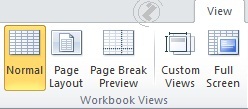
Picture 1. VIEW TAB, WORKBOOK VIEWS group
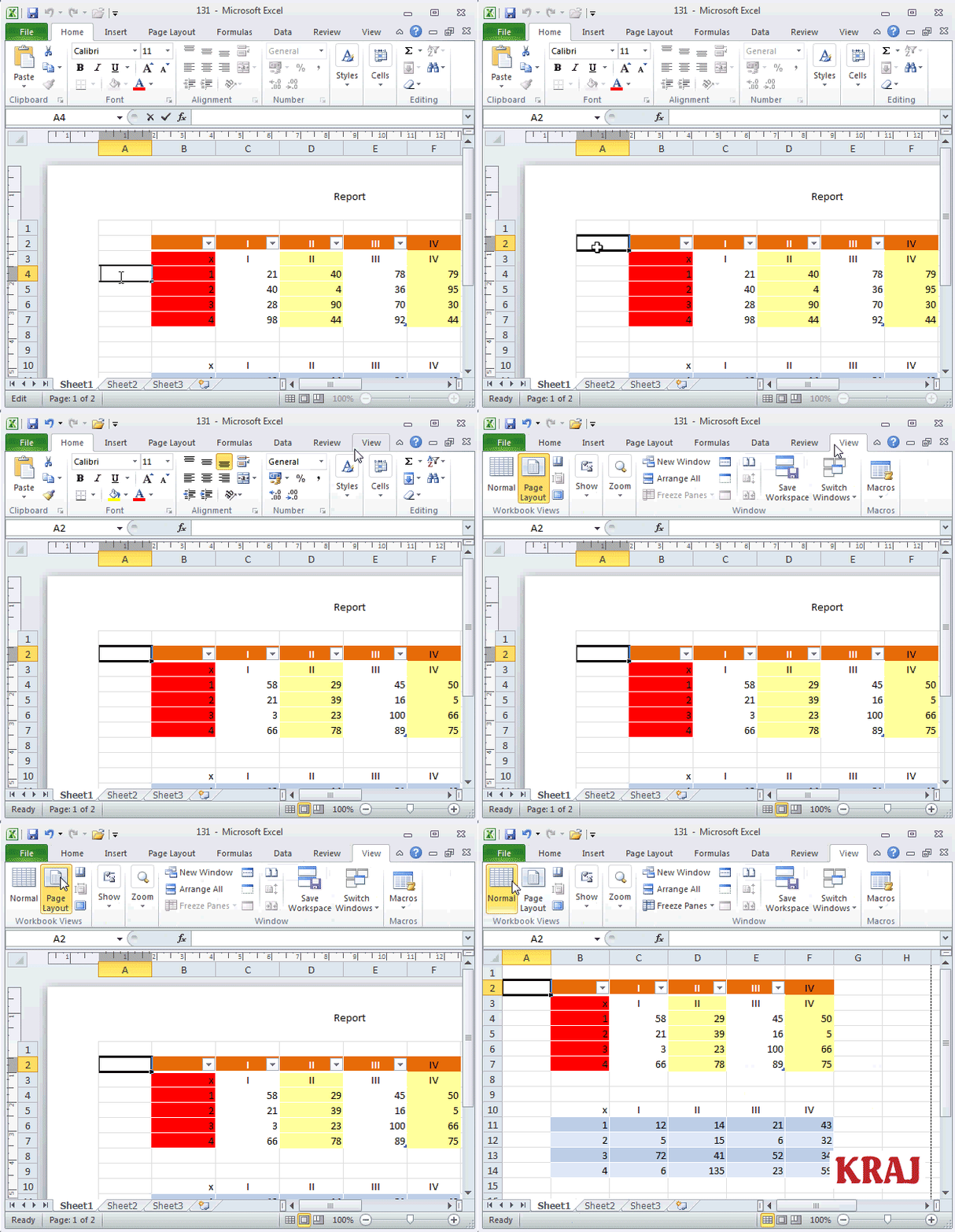 |
Choosing the option Normal, steps:
|

|
abc MICROSOFT EXCEL 2010 - Show/hide parts of the window NORMAL view is selected from VIEW TAB, WORKBOOK VIEWS group.
|
|
 |
 |
 |
 |
 |
 |
 |